
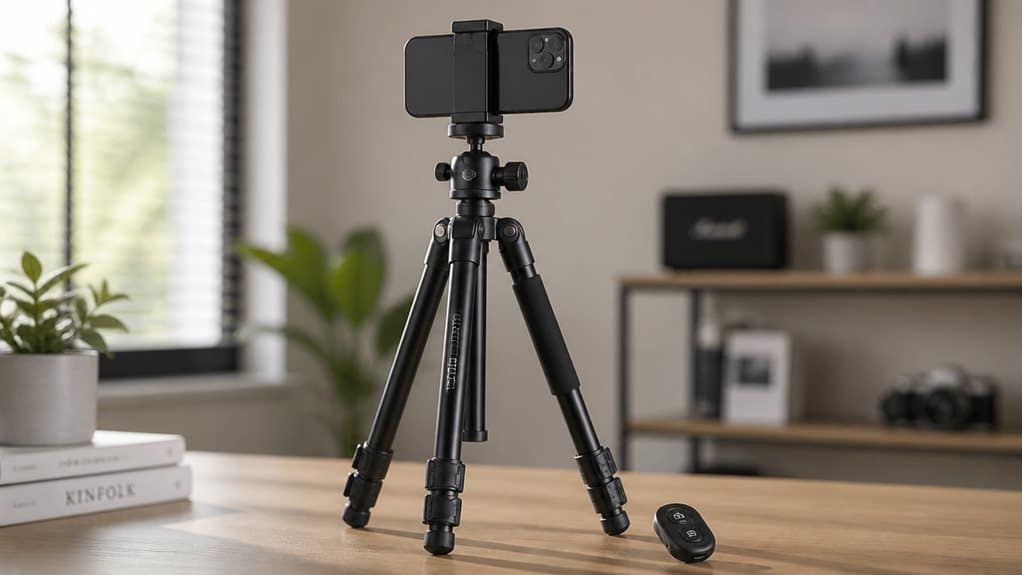
Before buying, check that the clamp fits your phone and case with a little buffer, since a snug, scratch-free grip matters for beauty videos and selfies. Look for wide-set legs, rigid materials, and locking joints for stability, plus a load rating that suits heavier phones. Confirm the Bluetooth remote pairs easily and holds a charge. Prioritize sturdy construction over extra features. There’s more worth knowing before you settle on one.
At a Glance
- Match tripod style to use case: tabletop for calls, full-height for group shots, selfie-stick for travel.
- Prioritize wide leg spread (22cm+), twist locks, and metal or carbon fiber legs for stability.
- Check clamp width (58–88mm) fits your phone with a case, plus rubberized grip pads.
- Verify Bluetooth remote pairs reliably, responds quickly, and uses easily replaceable batteries.
- Ensure orientation lock holds firmly in portrait mode and supports tool-free rotation adjustments.
Introduction
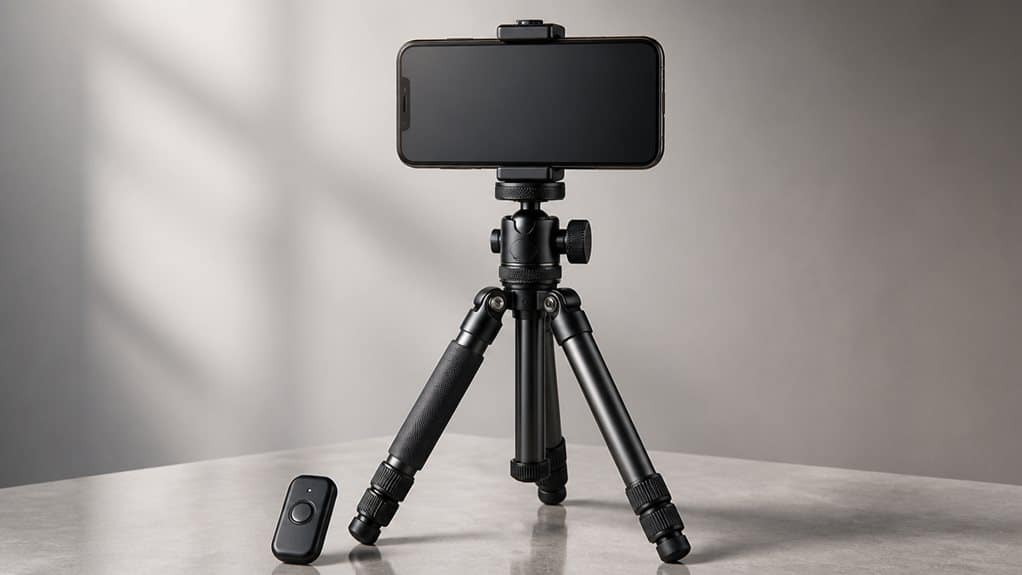
Looking to level up your selfies, video calls, or content filming, you’ll likely run into one accessory that keeps coming up: the phone tripod with a Bluetooth remote. It’s become a standard part of any smartphone tripod buying guide, and for good reason. A tripod keeps your phone steady, while a Bluetooth camera remote lets you trigger photos or start recording without touching the screen.
That combination matters more than it might seem. Standing several feet away to check your framing only helps if you can also press the shutter from that distance. This is where compatibility, stability, and build quality all come into play.
Before buying, it helps to understand exactly what these tripods offer, how the remote works, and which features actually matter for your setup.
Who benefits from a phone tripod?
A wide range of people rely on a phone tripod, not just professional creators.
If you’re a solo vlogger, a selfie tripod helps you keep steady framing across multiple takes while filming demonstrations or tutorials. Remote workers benefit too, since a tripod holds your phone at eye level during video calls, cutting out the wobble that comes from handheld angles.
Travelers appreciate a lightweight, portable phone tripod for videos and landscape shots, especially when using a timer to join group photos.
Hobbyist photographers gain sharper still images and better composition, even with basic setups.
Educators and coaches also find value here, since hands-free recording lets them move naturally while demonstrating a skill, without stopping to adjust the camera. Product demonstrators and reviewers can also benefit, since mounts like the Ulanzi ST-27 include extra 1/4-20 threaded holes for attaching lights or microphones alongside the phone.
Types of smartphone tripods
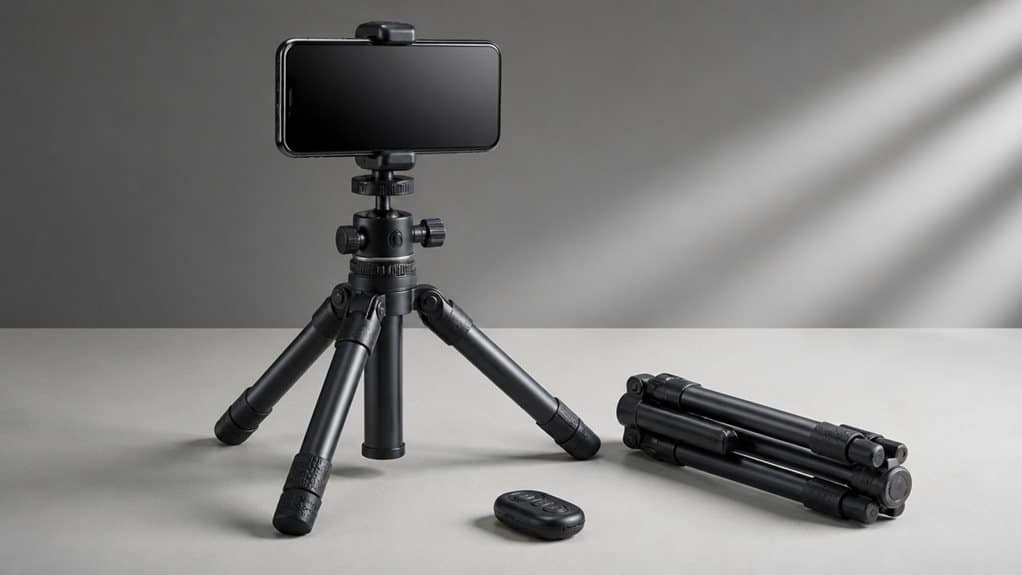
Not all phone tripods serve the same purpose, so it helps to know how the main styles differ before you buy.
Tabletop, full-height, selfie-stick, and flexible tripods each solve a different filming problem, from desk-based video calls to outdoor content creation. If you already own a camera tripod, you can often skip buying a dedicated phone stand by attaching a mobile phone mount instead.
The right choice depends on where you’ll shoot, how tall you need the setup to be, and how much you’re willing to carry around.
Tabletop tripod
Small enough to slip into a bag yet sturdy enough to hold your phone steady, a tabletop tripod is built for desks, counters, and any flat surface where you need a quick, clean setup. Portability matters more than height here, so look for folding legs and a compact collapsed size.
Stability still counts, especially once you add a remote, ring light, or lens attachment. A firmer base handles that extra weight better than an ultra-light design.
| Feature | Why It Matters | Good For |
|---|---|---|
| Ball head | Quick angle changes | Photos and video |
| MagSafe mount | Fast, secure attachment | Supported iPhones |
| Rigid legs | Less shake | Video calls, vlogging |
| Compact fold | Easy travel storage | On-the-go creators |
This setup suits desk content, product shots, and indoor selfie videos best.
Full-height tripod
Standing several feet tall on extendable legs, a full-height tripod behaves more like a traditional camera stand than a compact desktop model. This extra reach makes it a better choice for standing shots, eye-level video calls, and full-body content. Because the legs raise the phone higher, a stable base matters more here than with tabletop models, since shake becomes noticeable at greater heights.
Look for a ball head or pan head, which lets you adjust angles or pan smoothly during recording. A quick-release plate speeds up mounting, though most full-height tripods pair with a separate phone mount rather than a built-in clamp. Some models may also require a mount attached via a 1/4 in x 20 thread to secure the phone properly.
This type suits you if you record talking-head videos or need consistent framing at eye level. Casual selfie users may prefer a tabletop model instead.
Selfie-stick tripod
A hybrid tool by design, the selfie-stick tripod pairs a handheld pole with a foldable mini tripod base, so you can shoot at arm’s length or set it down for hands-free framing. The telescoping pole extends beyond typical mini-tripod height, which helps with group shots or wider scenes, though stability can dip at full extension.
This type suits casual selfies, vlogging, and travel content more than heavy camera work. Look for a clamp-style or magnetic mount that fits your phone’s size and case thickness, plus non-slip feet for smooth indoor floors. Some hybrids, like the Benro Tablepod, are even built with carbon fibre legs for added durability without the extra weight.
If the Bluetooth remote tucks into the handle, you’ll always have it on hand. For quick setup and portability, this is a practical, budget-friendly pick over a full-size tripod.
Flexible tripod
Bendable legs set this tripod apart from every other type on this list. You can wrap them around railings, branches, or bike handles, which gives you options that flat surfaces don’t allow. This makes flexible tripods a smart pick for overhead angles, low shots, or odd locations.
Look for a secure clamp or magnetic mount, since flexible legs won’t fix a weak phone hold. Check that it fits your phone’s size and case, and supports both portrait and landscape orientation. Magnetic tripods can also work with non-MagSafe phones when using a magnetic-compatible case or an adhesive metal ring.
These tripods pack down small, so they’re great for travel or spontaneous shots. Just know that lighter builds may sag over time, so check the joint quality before buying if you plan to use it daily.
Important buying criteria
Before you buy a phone tripod with a Bluetooth remote, it helps to know which specs actually affect your everyday use.
Height range, leg stability, and clamp width determine whether the tripod fits your shooting style and phone size, while rotation options decide if you can switch easily between portrait selfies and landscape video calls. It’s also worth checking the clamp’s weight limit, since heavier modern smartphones, especially Pro models, can exceed what some mounts are rated to hold securely.
The remote’s range and battery life round out the picture, since a tripod is only as convenient as the button that triggers it.
Maximum and minimum height
Two numbers matter most when you’re comparing tripods: how tall they extend and how low they can go. Maximum height determines whether your phone reaches eye level for standing selfies, or if you’ll need a higher angle for overhead shots. A tripod reaching sternum height is usually easy to set up, though eye level gives a more natural, flattering look for video calls and talking-head videos.
Minimum height matters for floor-level shots or tabletop setups, like flat-lay product photos or close-up beauty shots. Some tripods list a minimum height around 33 cm, showing that compact designs can still work close to a surface. Many extendable models offer a wide height range of 17–51 inches, making them versatile enough to handle both low and high shooting angles.
Stability and leg design
Height numbers only tell part of the story. A tripod that extends tall but wobbles at the joints won’t help you frame a steady selfie or video call shot.
Look for a wide leg spread, since a broader footprint resists tipping better than a narrow stance. A base diameter of at least 22 cm at full spread is a solid buying benchmark.
Check the leg locks, too. Twist locks tend to hold tension longer than flip levers, which can wear down over time. Metal or carbon fiber legs feel more rigid than plastic, reducing flex and vibration.
Rubberized feet matter for grip on tables or sidewalks. Before buying, picture the shake test: tap the legs gently and see if the phone stays steady. Pairing a stable base with a Bluetooth remote also helps avoid the vibration caused by tapping the shutter button directly.
Phone clamp width
A tiny detail like clamp width can make or break your tripod experience, since it determines whether your phone actually stays put or slips loose mid-shot. Most adjustable clamps list a range, often around 58–88 mm, but that number only matters if it accounts for your phone plus its case. Bare-phone measurements can be misleading, since even a slim silicone case adds enough thickness to change the fit.
Before buying, measure your phone with its everyday case on, then compare that number to the clamp’s published range, leaving a small buffer of 1.5 mm on each side. A wide-range clamp works well if you switch between a compact phone and a larger one. If you only use one device, a narrower range is often enough. Many mounts also rely on rubberized pads to keep the clamp gripping snugly without scratching your phone’s finish.
Portrait and landscape rotation
Since so many creators bounce between vertical stories and horizontal videos, the way a tripod handles rotation matters just as much as its stability or clamp width. Look for a ball head or a 90-degree phone mount, since either design lets you switch orientation without repositioning the tripod legs. A tilting release lever works too, but it usually requires loosening, adjusting, and re-tightening, which takes a bit more time. In fact, some DIY setups repurpose a release lever piece from an old selfie stick to create this same tilting function.
Whatever mechanism you choose, check that the orientation lock holds firmly once you’ve rotated the phone. Portrait mode shifts the phone’s weight off-center, so a wobbly joint becomes obvious fast. Tool-free, single-hand adjustments suit creators who switch formats often, while occasional users may find a simple screw-tightened mount perfectly adequate.
Bluetooth remote range and battery
Once you’ve settled on a tripod, the remote you pair with it deserves just as much attention, since range and battery life determine how reliably it performs during real shoots.
Most Bluetooth remotes work well within 20 to 33 feet, and 30 feet is usually enough for group shots, timelapses, and self-portraits. Some listings advertise up to 164 feet, but treat those numbers as best-case figures, since walls and interference cut real-world performance.
Battery life matters just as much. A remote with a 65 mAh battery rated for 12 hours, and a 2-hour USB-C recharge, suits regular selfies or vlogging without constant charging. If you shoot occasionally, a shorter-range, smaller-battery remote may be perfectly adequate.
Best tripod type by use case
Not every situation calls for the same tripod, so it helps to think about what you actually do most: travel selfies, group shots, beauty videos, or video calls.
A packable selfie-stick tripod suits travel and groups, while a stable tabletop or full-height stand works better for beauty tutorials and calls where the phone stays put.
Matching the tripod type to your main use case saves you money and hassle later.
Travel selfies
Travel selfies often require a tripod that’s light, compact, and ready to use in seconds, since you’re usually moving between landmarks rather than staying in one spot.
Folded size matters more than maximum height here, since you’ll be packing and unpacking it often throughout the day.
Three tripod styles work especially well for this kind of use:
- Lightweight mini tripods for quick setups in busy sightseeing spots
- Flexible-leg tripods that grip railings, rocks, or benches on uneven terrain
- Selfie-stick tripod hybrids for wider scenic backgrounds
A Bluetooth remote pairs naturally with any of these, letting you step back and trigger the shutter without touching the phone, which helps reduce blur in low light or windy conditions.
Group photos
Group shots put different demands on a tripod than a solo selfie or a quick travel snapshot does. You’ll want a full-height smartphone tripod, ideally reaching close to 60 inches without stretching the center column, since extra height lets you angle the camera slightly downward to capture every face.
Stability matters here more than portability, because the setup often stays in place while people arrange themselves and shift around. Look for sturdier legs and a solid head that keeps the phone level even at full extension. Twist locks let you set up quickly, while flip locks make it easy to double-check each leg is secure. Interchangeable rubber and spiked feet also help if you’re shooting both indoors and outdoors.
Beauty videos
What makes a tripod work well for beauty videos? Close-up framing shows every small shake, so stability matters more than in wider shots.
A tabletop tripod with a wide base and rubberized feet works well for seated tutorials, while a taller model helps with mirror shots and full-face angles.
Three features stand out for this use case:
- Adjustable height range, so you can move between tabletop and standing positions without losing rigidity
- Built-in level, which keeps facial features symmetrical in tight framing
- Accessory support, allowing a ring light or microphone alongside the phone clamp
A simple tripod with a Bluetooth remote is often enough for basic skincare or makeup routines.
Video calls
Video calls often demand less from a tripod than outdoor photography or action shots, but the setup still needs to feel steady and natural. A compact tabletop tripod works well on most desks, holding your phone near eye level without crowding your workspace. If your desk is low or your monitor sits high, a full-size tripod gives you more room to adjust height so the camera clears the screen.
Look for a stable head over a travel-friendly design, since shaky footage is more distracting on a call than on a quick photo. You’ll also need a phone clamp with rubber padding, as most tripods use a ¼-inch screw meant for cameras, not phones. A Bluetooth remote helps you test your angle before a meeting starts.
Common buying mistakes
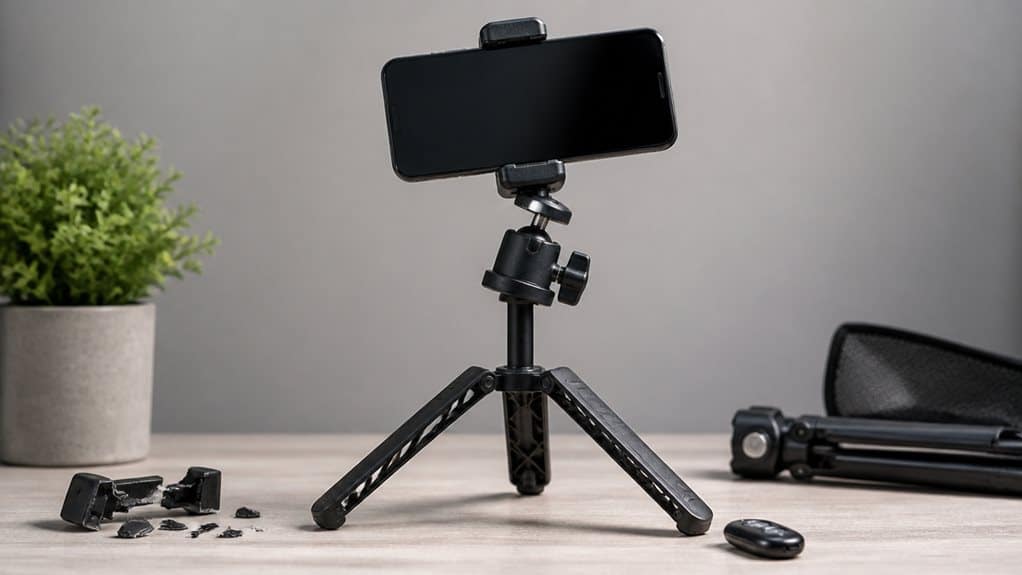
Before you add a tripod or Bluetooth remote to your cart, it helps to know where most buyers go wrong. Compatibility issues top the list, especially clamps that don’t fit a phone with its case still on.
Most tripod frustrations start before you even leave the store: a clamp that won’t fit your phone’s case.
Stability problems come next, since thin legs or narrow splay angles can tip over on uneven ground. Remotes cause frustration too, particularly when they rely on hard-to-replace coin cells instead of USB charging.
Three mistakes stand out most often:
- Skipping the clamp check for width and jaw depth
- Choosing height over stability, leading to wobble in wind
- Ignoring load ratings, which can cause sagging or bending
Avoiding these three issues will save you money and frustration later.
Amazon buying recommendations
Once you know what to look for, actually narrowing down Amazon listings gets much easier. Sort by Best Sellers or Average Customer Review to find kits with proven demand, and favor listings showing 4.3 stars or higher with a solid review count.
Check if the item carries an Amazon’s Choice or Best Seller badge, and confirm the Buy Box seller is the actual brand, not a third-party reseller. Filter for Prime shipping if fast delivery or easy returns matter to you.
Before buying, read recent reviews for wobble complaints, broken clips, or remote pairing issues. Compare what’s included, tripod, remote, phone holder, carrying bag, rather than judging by price alone. This approach helps you choose based on value, not guesswork.
Frequently asked questions
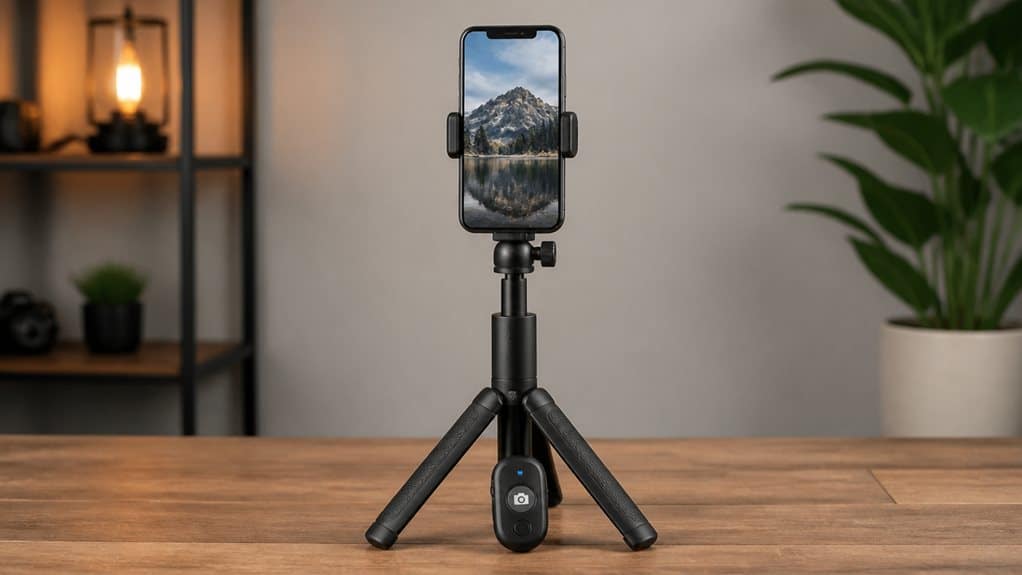
Even with a good listing in hand, a few practical questions tend to come up once the tripod and remote actually arrive.
1. Why won’t my remote pair? Hold the power button for about 3 seconds until the light blinks, then look for it in your phone’s Bluetooth settings. It may show up under a generic name, like “AB Shutter 3,” and briefly appear as a keyboard.
2. What if pairing keeps failing? Reboot your phone, retry the connection, or test the remote on a second device to rule out a compatibility issue.
3. Does the remote work with any camera app? Not always. Some phones need volume keys set as a shutter button, or a different camera app entirely, for the remote to trigger properly.
Conclusion
Since a tripod and remote combo works best when it matches how you actually shoot, the right pick really comes down to your setup, not the specs sheet alone.
If you film mostly at a desk, a tabletop tripod with a ball head gives you enough flexibility for selfie lighting and video calls. If you need height for full-body shots or vlogging, a full-height tripod with a wide, sturdy base is worth the extra size.
Travelers often do better with a selfie-stick tripod, since it folds small but still stands on its own. Whatever style you choose, check that the Bluetooth remote pairs reliably and responds quickly. A secure clamp and solid construction matter more than extra features you won’t use.
Frequently Asked Questions
Do Bluetooth Remotes Work With All Smartphone Camera Apps?
No, they don’t. You’ll get the most reliable results with your phone’s native camera app, since remotes typically emulate a volume-button press—third-party apps may ignore that signal entirely, causing your remote to fail unexpectedly.
Can One Bluetooth Remote Control Multiple Phone Brands?
Yes, often you can—Bluetooth shutter remotes are typically brand-agnostic, but you’ll want to check multi-pairing support and confirm compatibility with each specific phone model before assuming seamless switching between different devices.
How Far Can a Bluetooth Remote Work From the Tripod?
You’ll typically get about 10 meters (33 feet) of working range, though walls, obstacles, and low battery can shrink that. Some remotes claim much longer distances, but treat those as exceptions, not the norm.
Do Tripod Bluetooth Remotes Need Frequent Battery Changes?
Not usually. If your remote uses a coin cell like a CR1632, you’ll often get 6–12 months of daily use before swapping it. Rechargeable models just need occasional USB top-ups instead.
Can I Use a Bluetooth Remote Without a Tripod Attached?
Yes, you can use a Bluetooth remote without any tripod at all—it simply triggers your phone’s shutter. Just prop your phone against something steady, pair via Bluetooth, and you’re set.
Summary and Conclusion
A phone tripod with a Bluetooth remote solves a real problem: shaky footage and awkward angles. Focus on grip strength, adjustable height, and portability before worrying about extra features. If you mostly do video calls or seated content, a compact desktop tripod with a basic remote is enough. If you’re filming while moving, invest in a taller, sturdier option. Match the tripod to how you actually shoot, not how you imagine you might.
 English
  Español
  Français
  Deutsch
  Italiano
Leave A Comment